Hob displays error message E0 / E1
Issue
- Hob displays error message E0 or E1
Applies to
- Cooktop
Solution
Error message E0 indicates a power board configuration error
Error message E1 indicates a user interface configuration error
Disconnect the appliance from power for at least 30 seconds.
Note: To restart the appliance, disconnect it from the mains and wait 30 seconds before switching it back on.
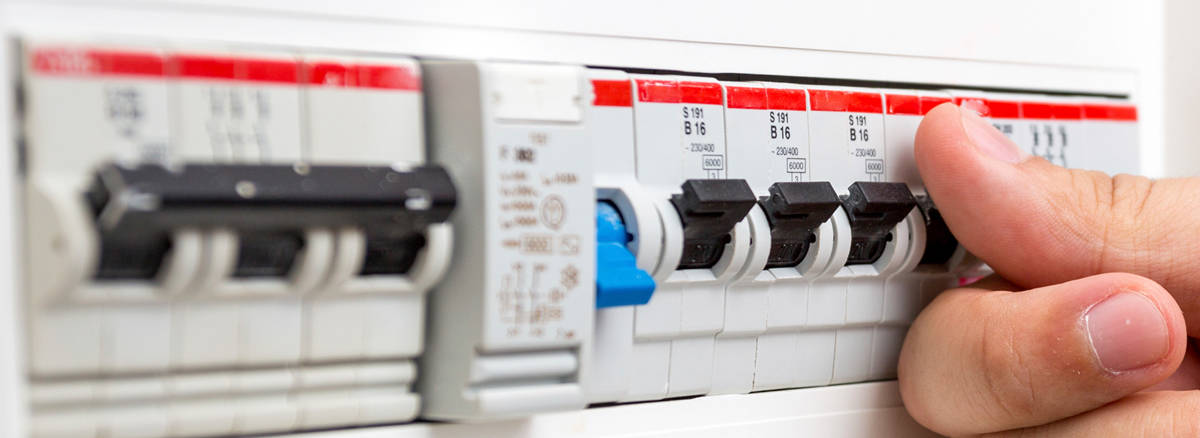
In the case of built-in appliances, it is not necessary to physically disconnect the cable - the appliance can be disconnected using the household RCD breaker.
Contact an Authorized Service Centre.
If the above steps don't resolve the issue, we recommend contacting an Authorized Service Centre.
Was this article helpful?
Related Articles
- Discoloured marks or bubbles ceramic glass cleaning tips
- Stains or marks on SaphirMatt cooktop – Cleaning advice
- How to use the SenseFry function on your Electrolux Induction cooktop
- How to change and maintain your Electrolux Rangehood filter - Long life filter
- Carbon Filters How often should you replace them
- How to set or adjust the clock - Electrolux oven
- Hob displays message A
- Oven displays error F101 or F102
- Cleaning Oven Door - Video
- How To Assemble The Telescopic Runners In Your Electrolux Oven
Related Articles
- Discoloured marks or bubbles ceramic glass cleaning tips
- Stains or marks on SaphirMatt cooktop – Cleaning advice
- How to use the SenseFry function on your Electrolux Induction cooktop
- How to change and maintain your Electrolux Rangehood filter - Long life filter
- Carbon Filters How often should you replace them
- How to set or adjust the clock - Electrolux oven
- Hob displays message A
- Oven displays error F101 or F102
- Cleaning Oven Door - Video
- How To Assemble The Telescopic Runners In Your Electrolux Oven